

Create and Configure Your ICO
Follow these steps to deploy a timed ICO (Caramel) on Pulsechain, link your token, set recipient and distribution wallets, configure dates, and approve funds for sale.
1 Copy Your Token Address
Before creating the ICO, fetch your token contract address. Go to the dashboard, open the Tokens section, and copy the token contract address you just deployed.
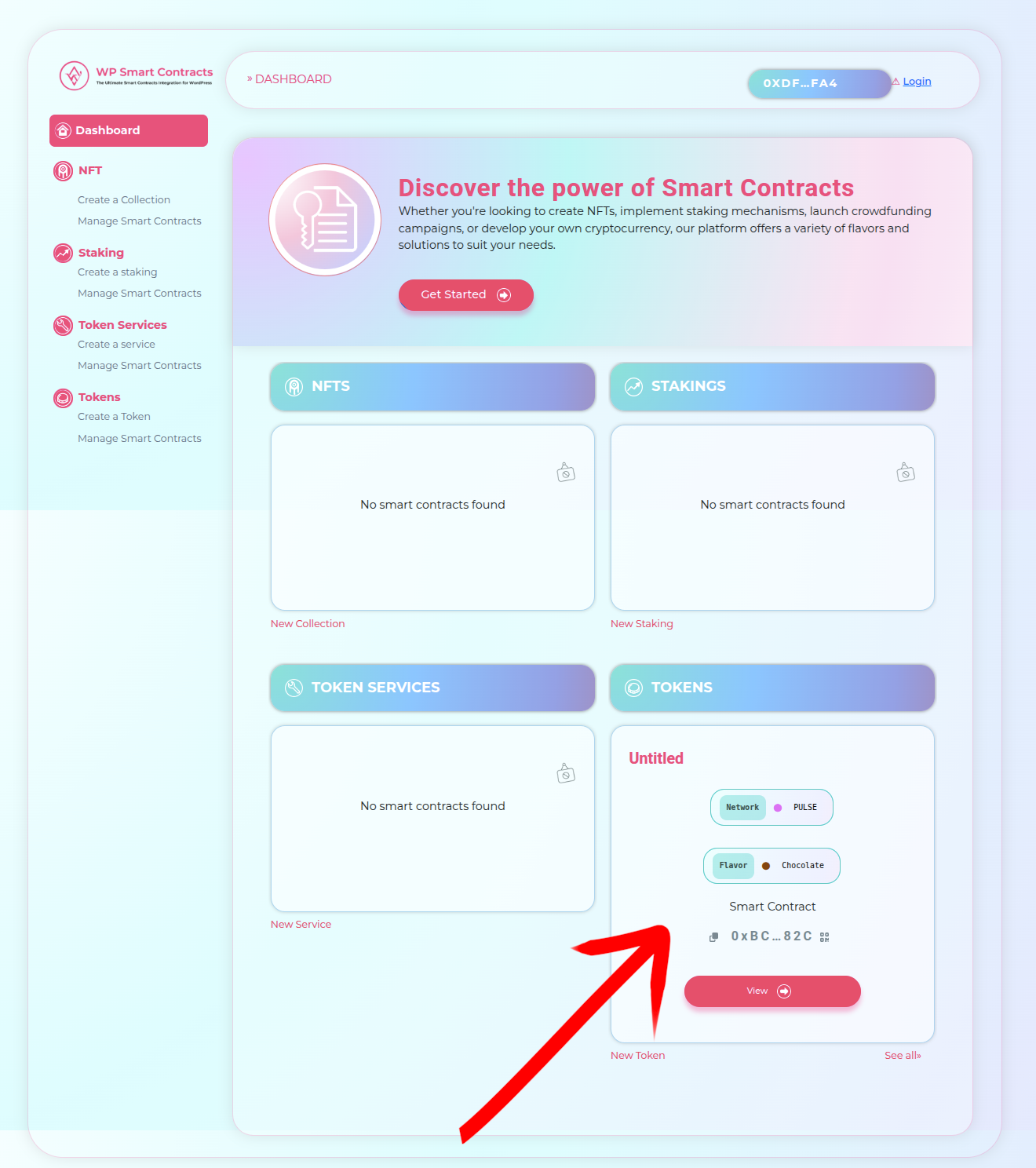
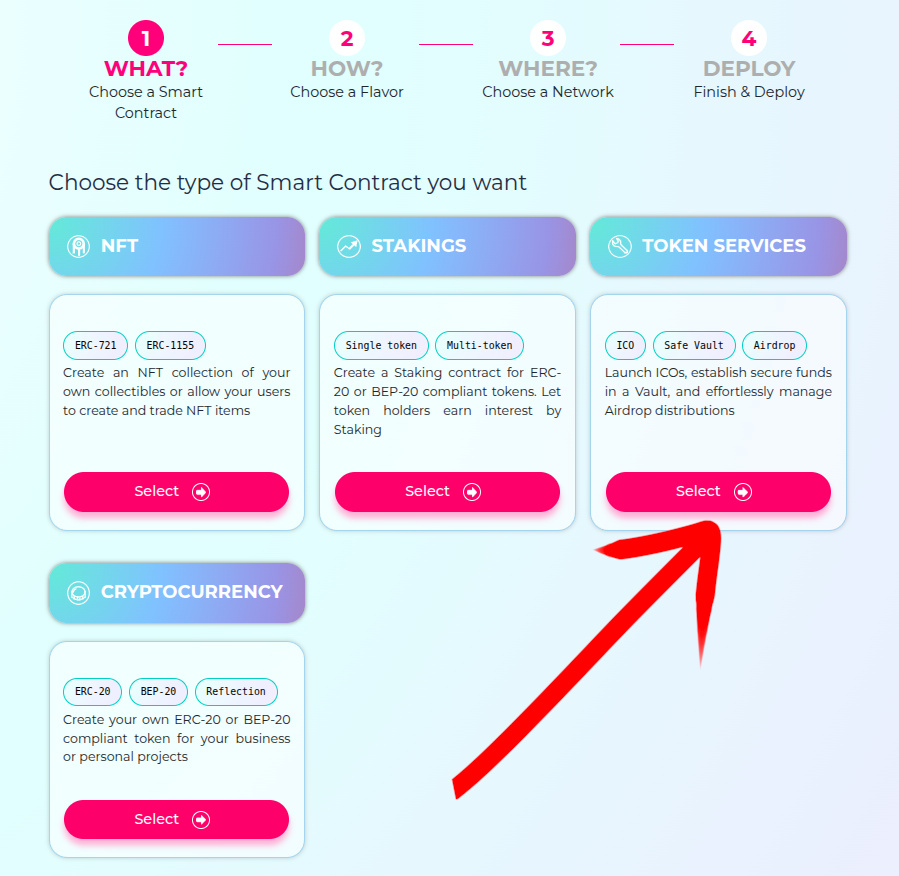
2 Open Token Services
From the dashboard click Get Started and choose Token Services. This section contains the ICO deployment wizard.
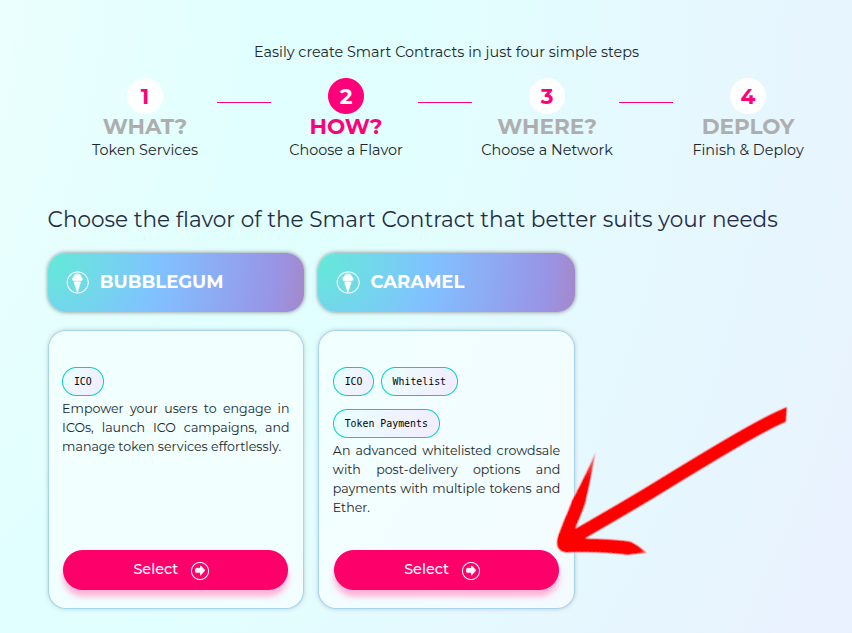
3 Select Caramel (Timed ICO)
Choose the Caramel flavor for a timed ICO. Caramel lets you define an opening and closing schedule for contributions.
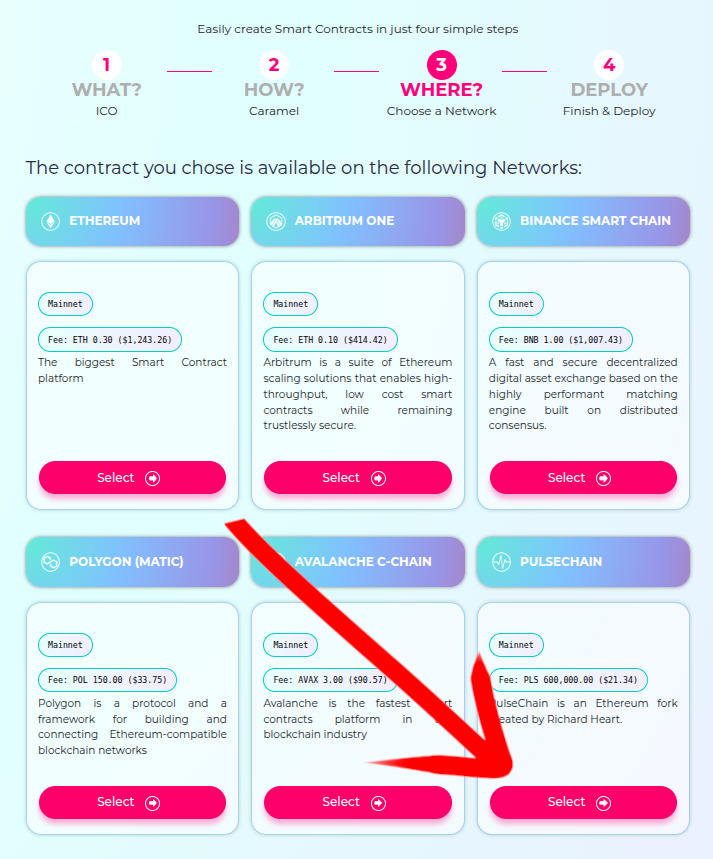
4 Select Network
Select the target blockchain, in our case Pulsechain. Make sure your wallet is connected to the same network.
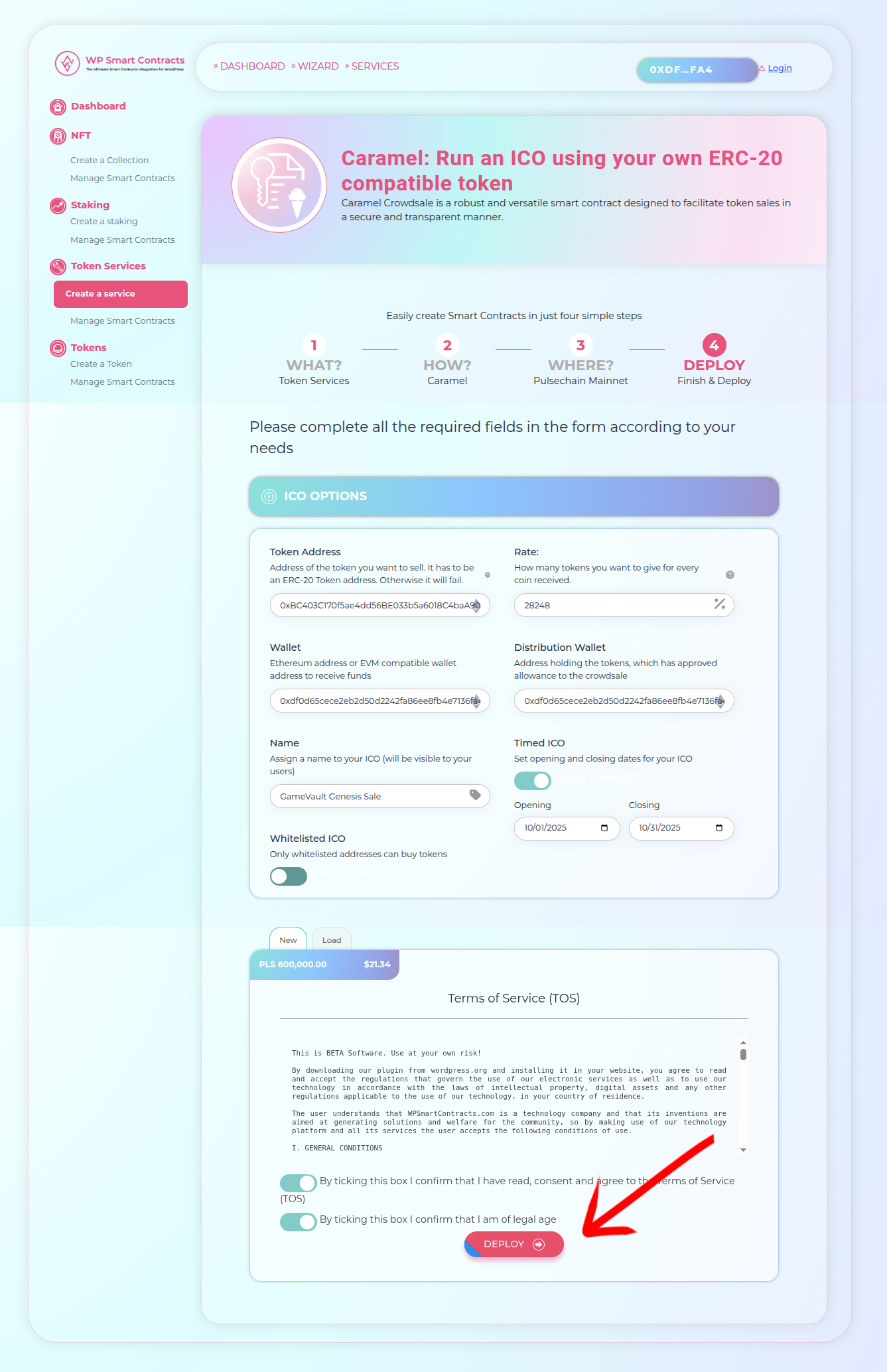
5 Configure ICO Parameters
Paste your token address, set the funds receiver and distribution wallets, give the ICO a name, and choose start/end dates. Read and accept the ToS, review the deployment fee, then click Deploy.
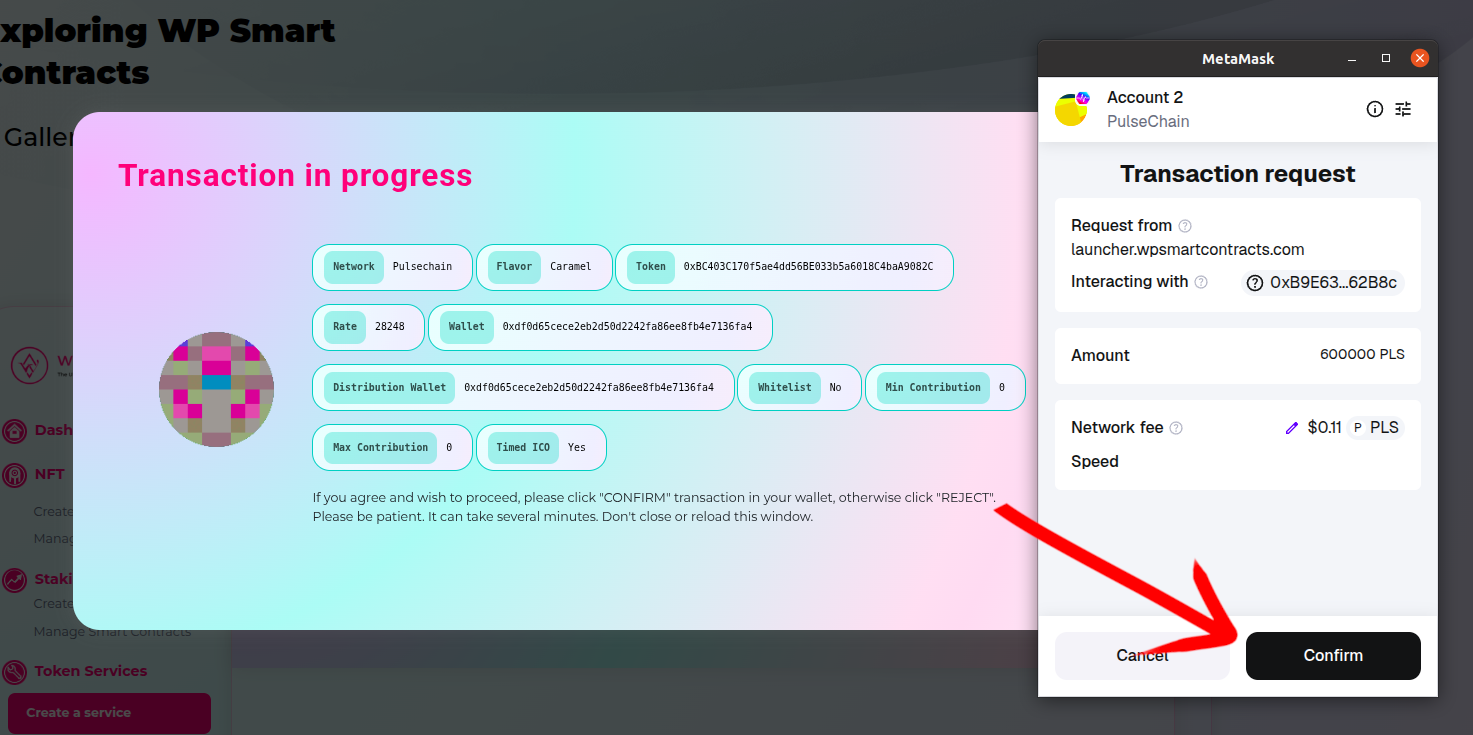
6 Confirm in MetaMask
Double‑check the details and confirm the deployment transaction in MetaMask. Wait until the transaction is mined.
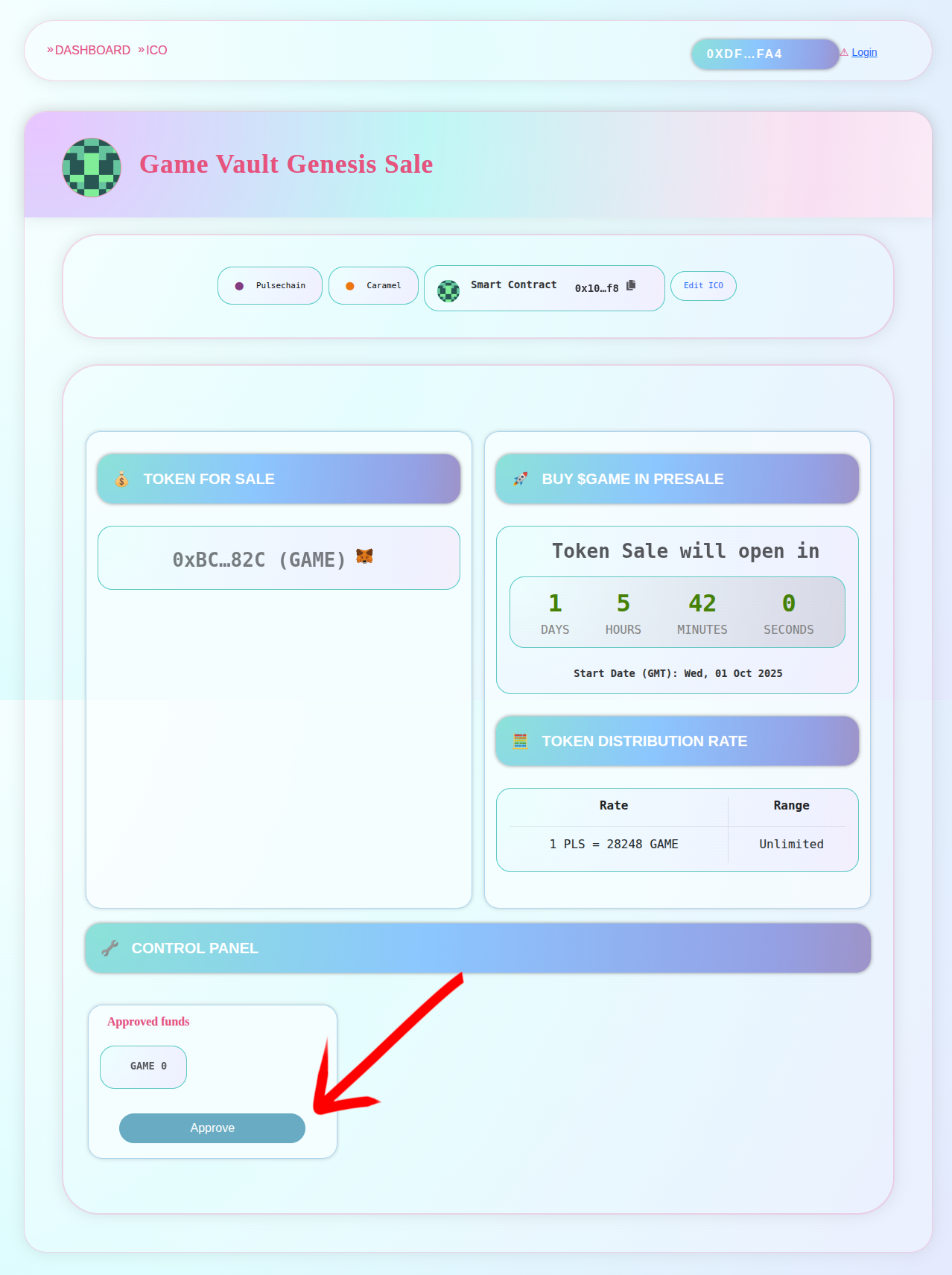
7 ICO Deployed and Approve Funds
After deployment you’ll see the live ICO plus its browser URL. Next, approve the amount of tokens the ICO can sell. Tokens remain in the admin wallet; the ICO is authorized via the ERC‑20 approve mechanism.
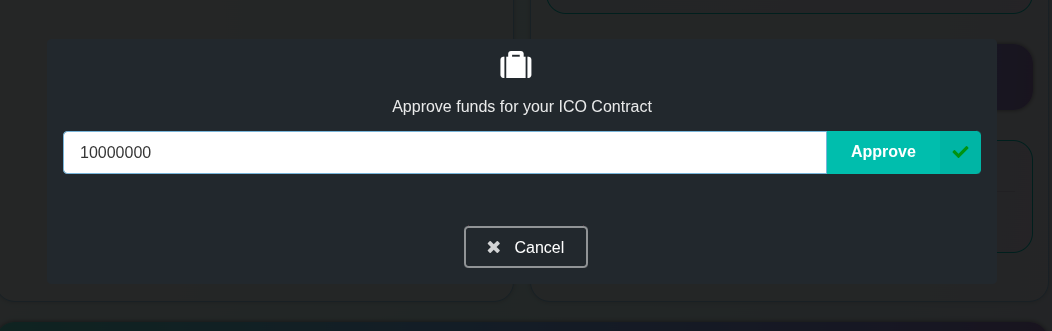
8 Select Amount to Sell
Enter the token amount you want to make available for sale during the ICO.
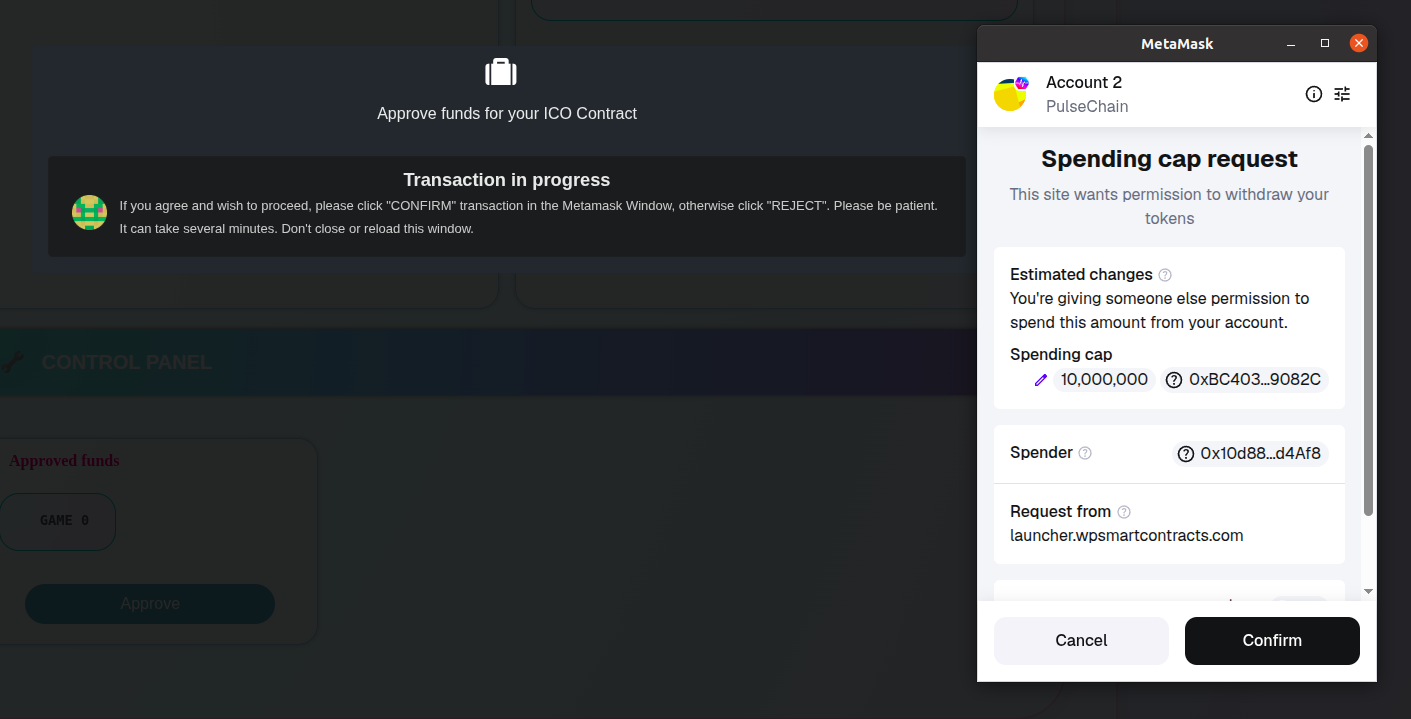
9 Approve Transaction
Approve the ERC‑20 allowance transaction in MetaMask so the ICO contract can transfer the approved tokens on your behalf.
10 Presale Ready
Your ICO now has 10 million GAME tokens approved and ready for presale. You can share the ICO URL and start accepting contributions when the sale window opens.
Try it yourself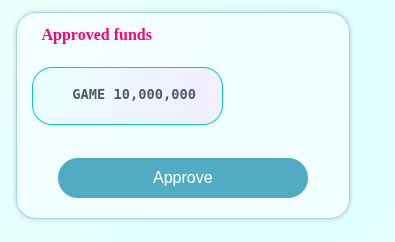
Buy Tokens
Follow these steps to purchase tokens during the ICO using the on-chain buy flow.
1 Open the Buy Tokens panel
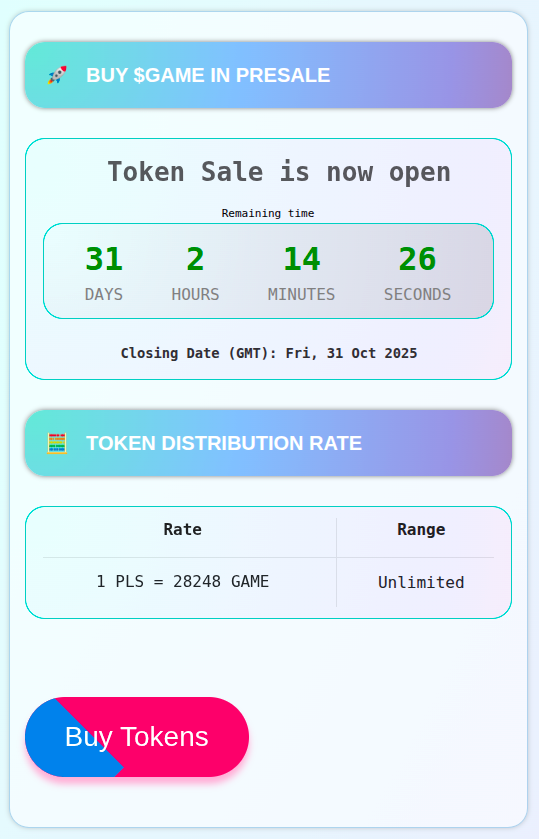
Click on Buy Tokens to start the purchase process from the ICO page.
2 Choose payment asset and amount
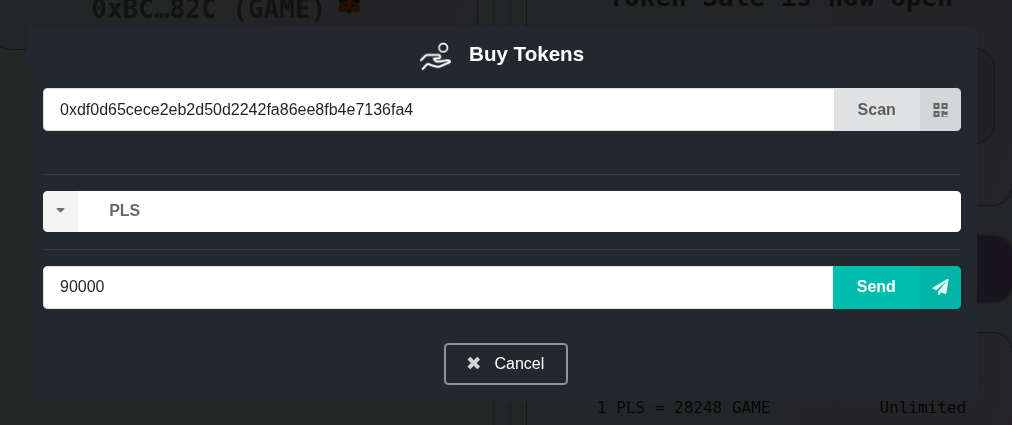
Choose the coin/token you want to pay with (in this example, PLS) and enter the amount you want to invest.
3 Confirm the transaction
Confirm the transaction in MetaMask to execute the on-chain purchase.
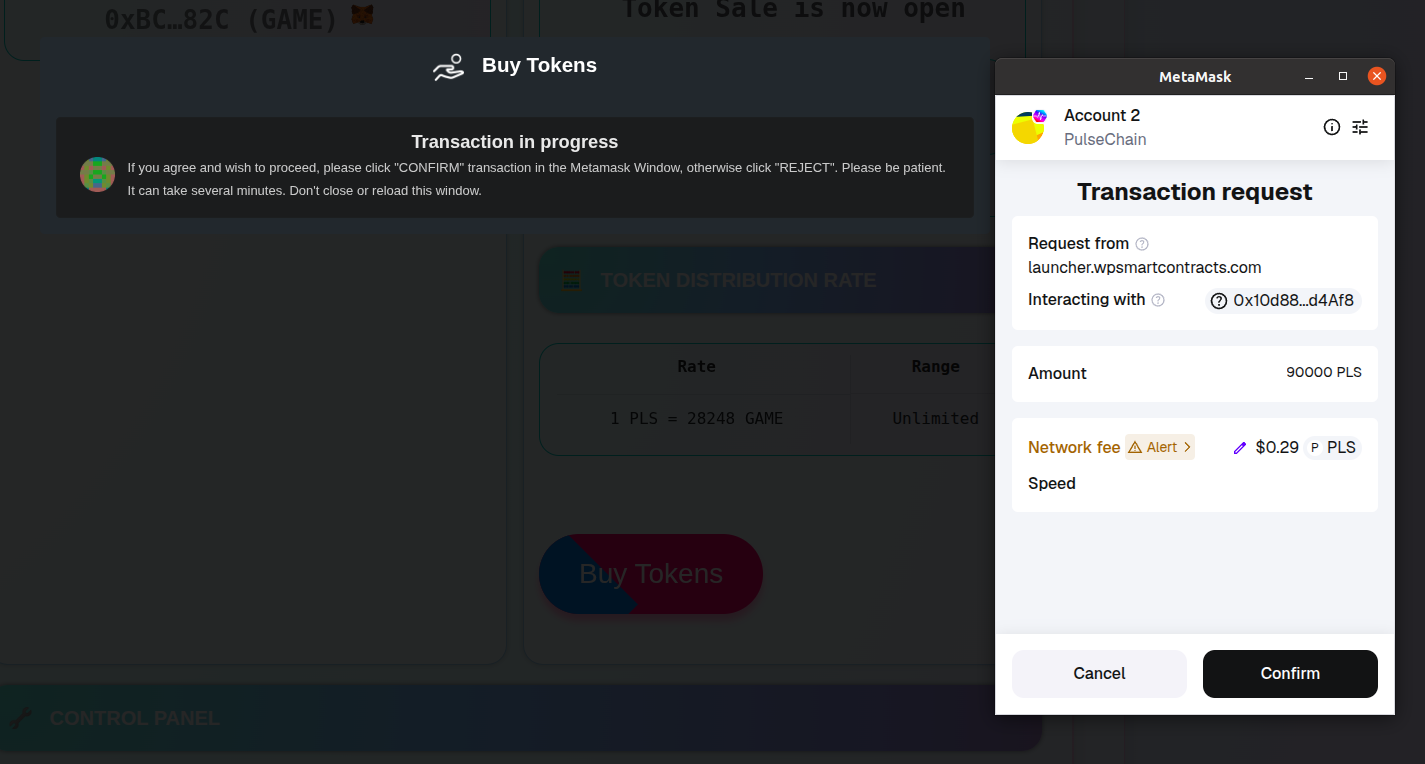
4 Receive tokens
Once the transaction is mined, you will receive the purchased tokens directly in your wallet.
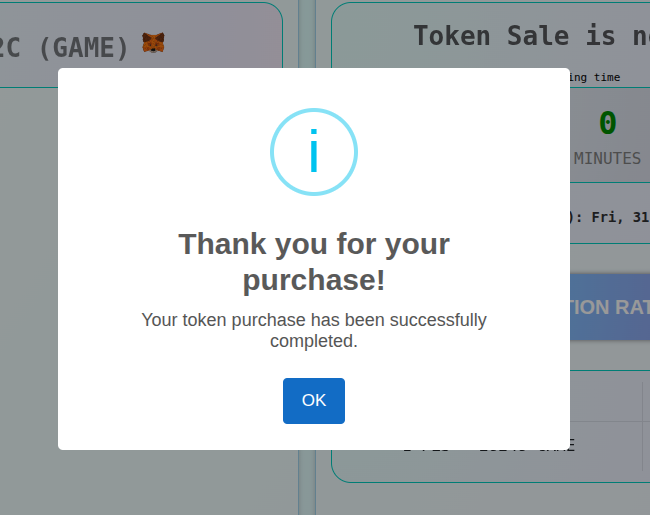
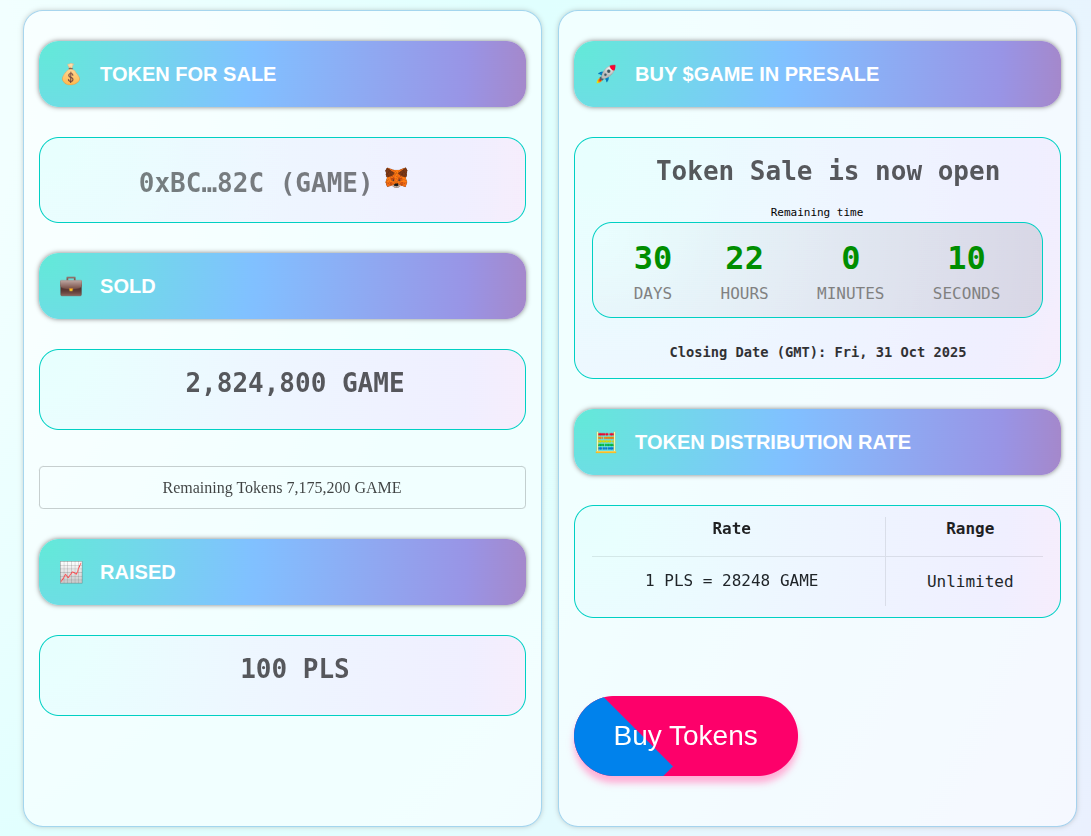
5 Check ICO metrics
The ICO page updates to display total contributions, tokens sold, and the remaining amount of tokens available for sale.
End-to-End Smart Contract Development
Need something the flavors don’t cover? Suika Labs, the company behind WP Smart Contracts, delivers professional blockchain solutions with a proven track record since 2019.
- Full-stack blockchain development
- Oracle integrations & DeFi protocols
- UI design & deployment support